Using your own theme
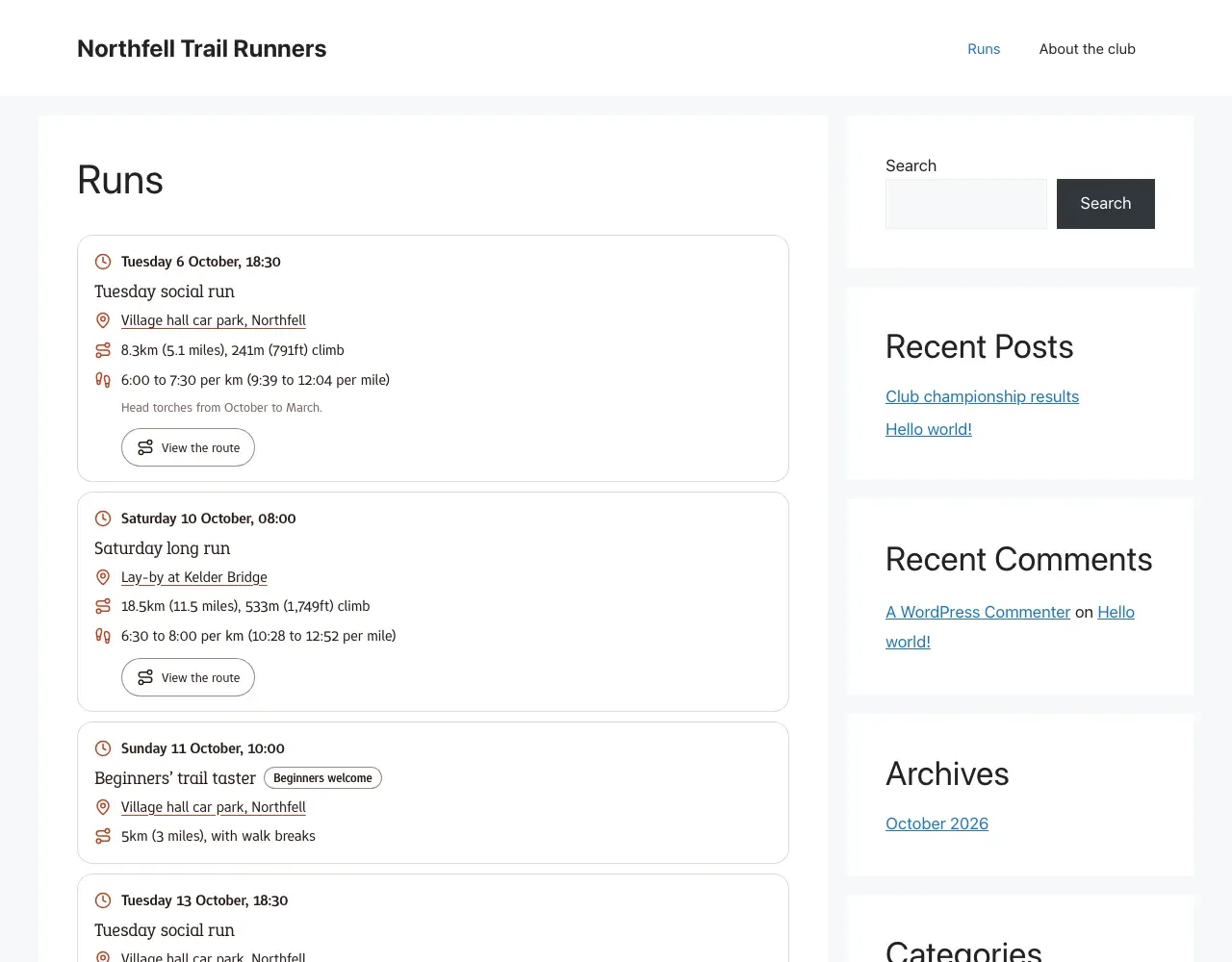
You don’t need the RacerPacer theme. The blocks keep their own look inside a card and leave the theme’s text alone. They’ve been tried in Twenty Twenty-Five, Ollie, Astra, Kadence, GeneratePress, OceanWP and Neve. These are the same runs page in each.




Making them match
Section titled “Making them match”Two ways:
- Pick a look in the plugin that sits well with your theme: a colour set, your own accent colour, fonts and button shape.
- Tick “Use my theme’s colours” under Look, and the blocks take your theme’s colours and fonts instead.
For one block, use the editor’s colour, spacing, border and shadow controls in its sidebar.
Event pages in a classic theme
Section titled “Event pages in a classic theme”In a theme with no template for events (most of them), the plugin draws each event page itself: header, race details, info pack, course map, your words, the aftermath, volunteers and the register band. /races/ shows the race finder. Nothing to set up.
If you build your own template for events in a block theme, use the event blocks.