Event blocks
These need Events switched on in the settings. They’re in the inserter under Events.
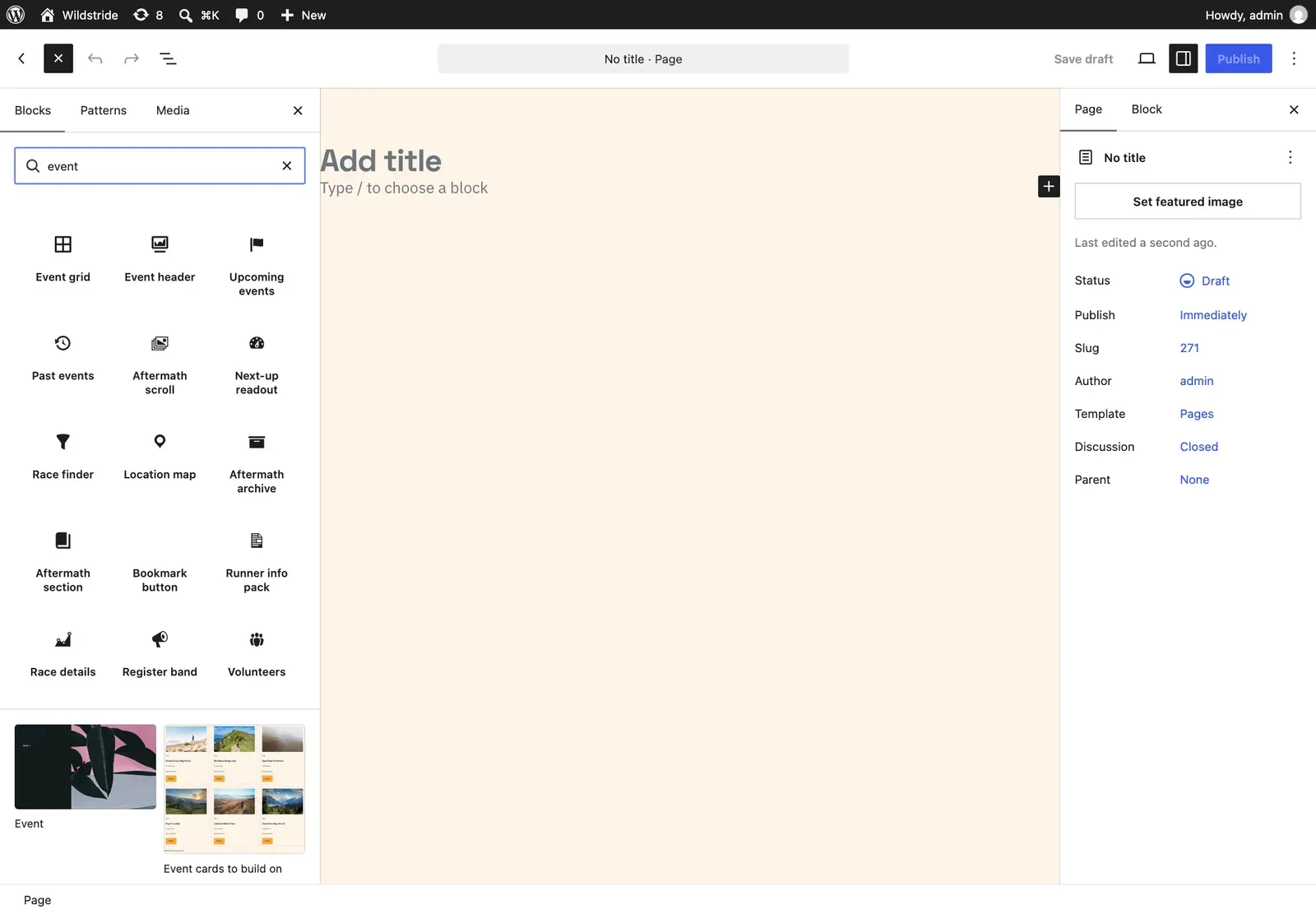
Some show a list of events and go on any page. The rest show the current event, so they belong on an event page or in the event template.
For any page
Section titled “For any page”Event grid
Section titled “Event grid”A grid of event cards: a 16:10 photo, the name, place, dates, distance chips and a status tag.
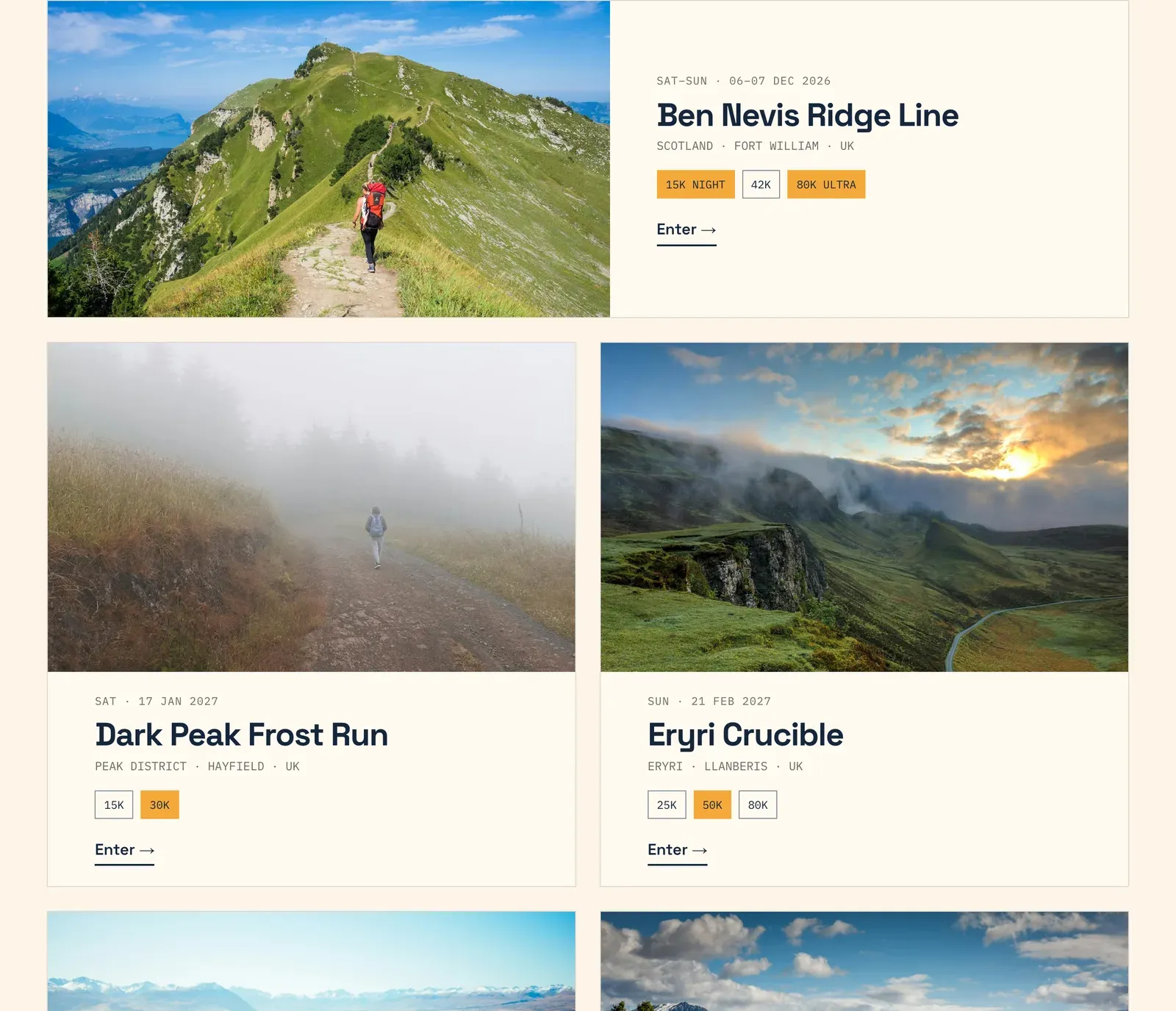

Settings: Show upcoming, past or all events; Max events (-1 for all); and Feature the first event (wide card).
Race finder
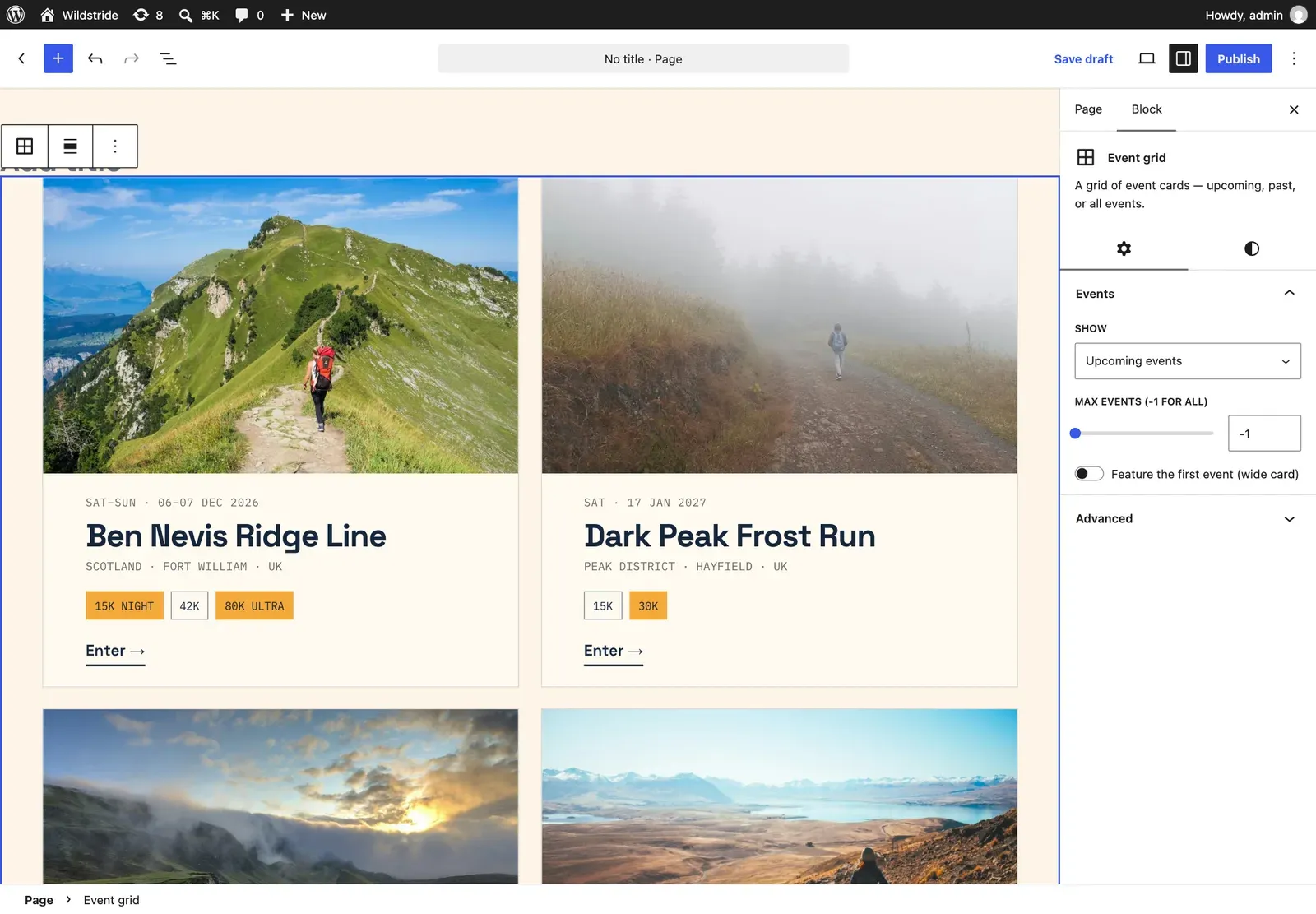
Section titled “Race finder”Every event with search and filters for country, continent, distance, climb and terrain. More in The race finder.
Settings: the Results heading, and under Filters a switch each for Country, Continent, Distance, Elevation and Terrain.
Next-up readout
Section titled “Next-up readout”A strip of numbers worked out from the upcoming events: the next start date, the range of distances and how many weekends are open. For under a home page’s hero.


Aftermath archive
Section titled “Aftermath archive”Every published aftermath, newest first, with a select to jump to a weekend.

Aftermath scroll
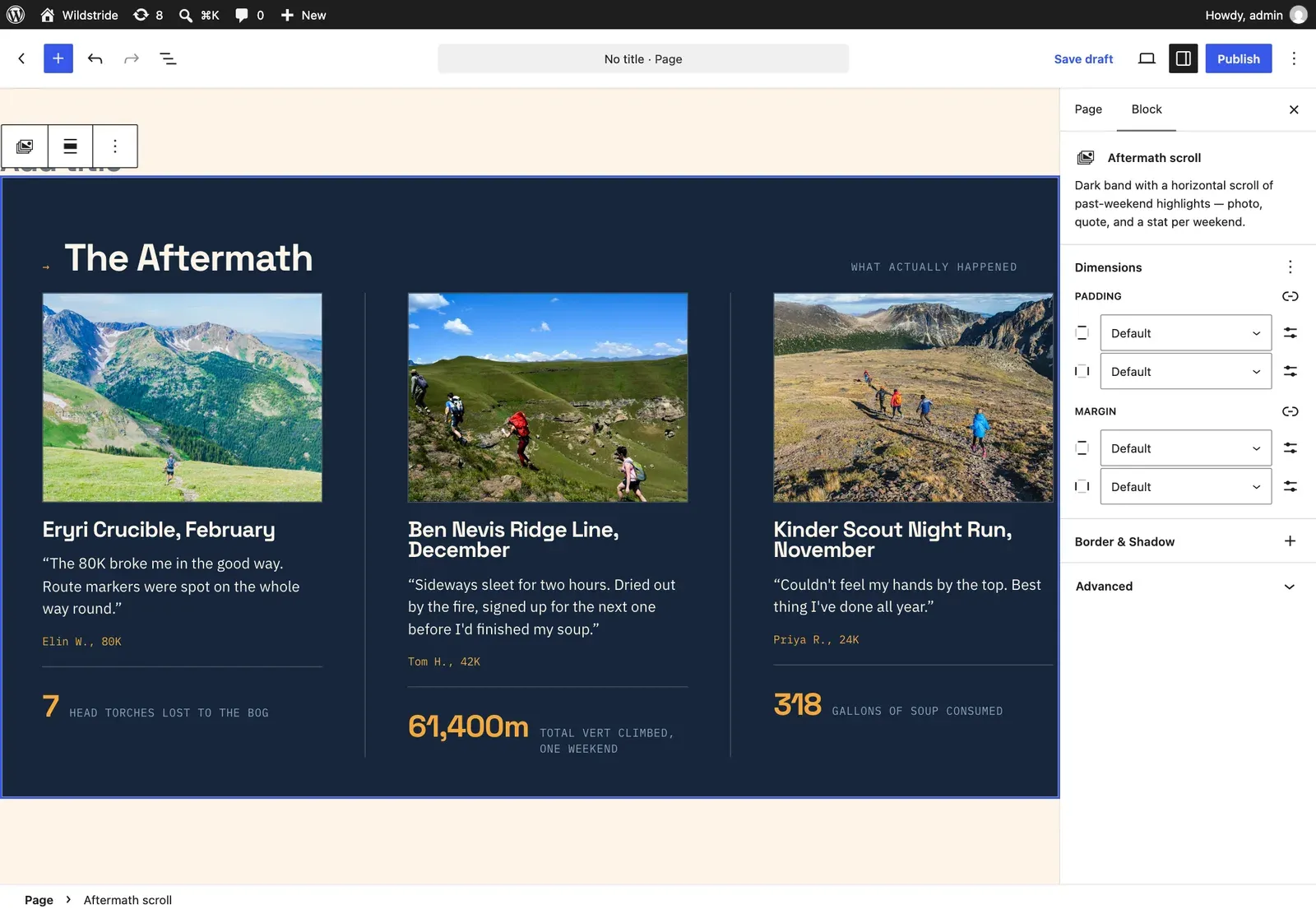
Section titled “Aftermath scroll”A dark band with a sideways scroll of recent weekends: a photo, a quote and a number each.
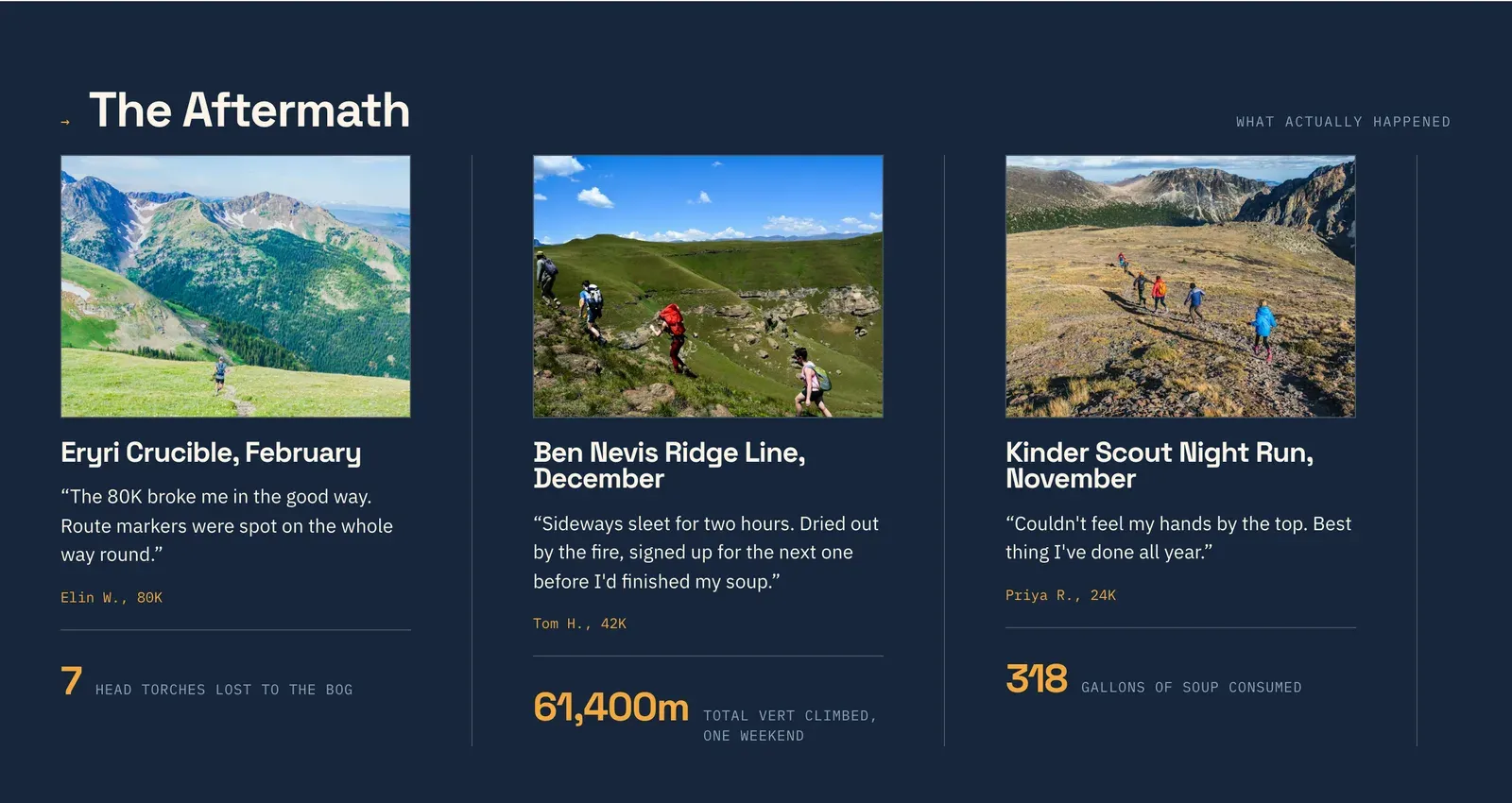
It shows the three most recent weekends with a published aftermath.
For an event page
Section titled “For an event page”Event header
Section titled “Event header”The top of an event page: the featured image, the place and coordinates, the dates, basecamp, the Register button and, if it’s on, the Save button.

Race details
Section titled “Race details”A picker for the weekend’s races. Pick one and its numbers change below: distance, gain, loss, highest point and grade, the elevation profile, the GPX download and the kit list.

Register band
Section titled “Register band”A call-to-action band with the event’s Register blurb and a Register button to its Registration URL.

Type the heading straight into the block. It starts as “Get on the start list.”
Volunteers
Section titled “Volunteers”The event’s volunteer roles, the places left and the sign-up form. More in Volunteer sign-up.

Runner info pack
Section titled “Runner info pack”A panel linking to the event’s printable pack. More in Runner info pack.

Bookmark button
Section titled “Bookmark button”Save and Saved for the current event, kept in the visitor’s browser. Shows only when the Save button is on. More in Bookmarks.
Aftermath section
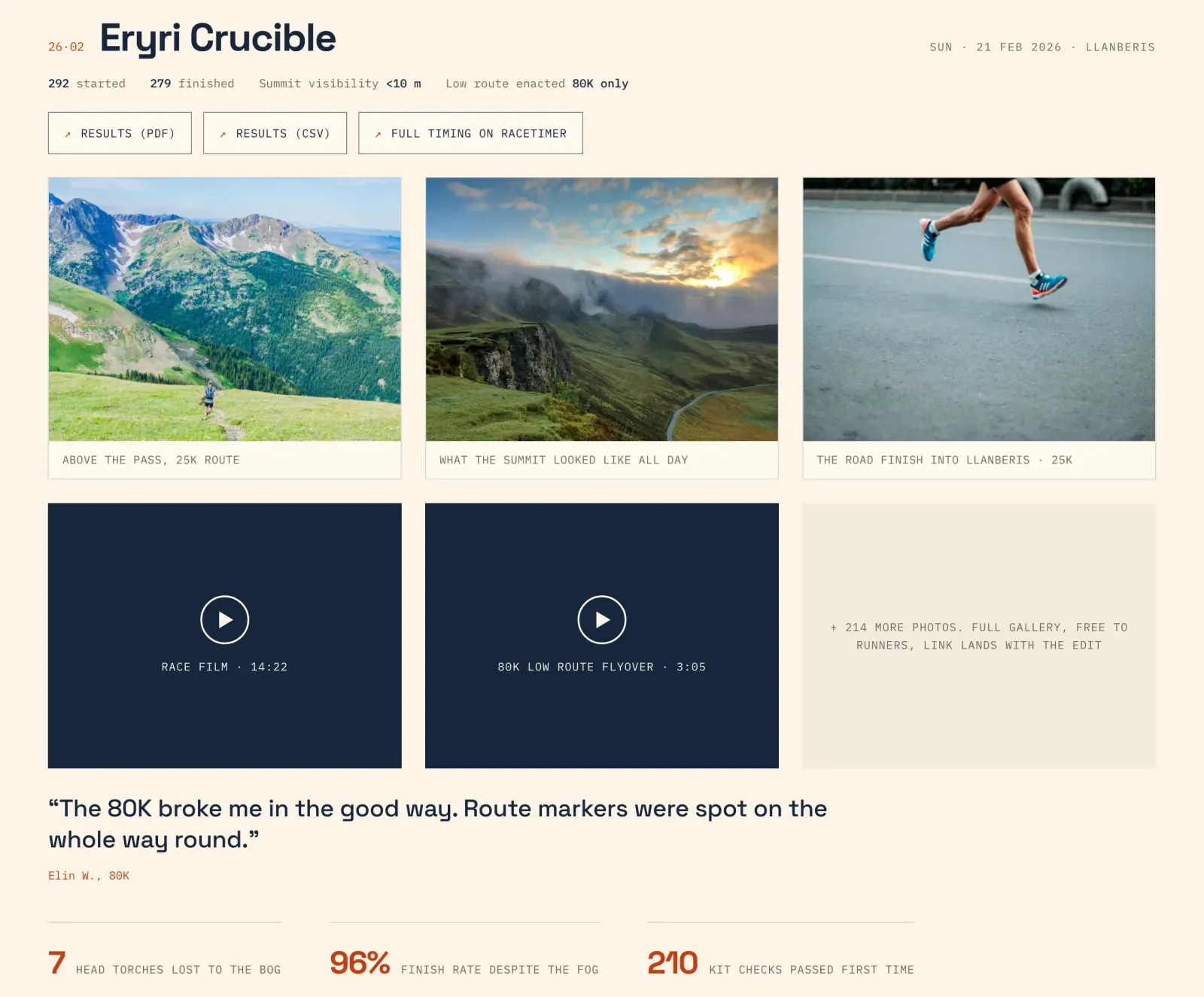
Section titled “Aftermath section”The current event’s aftermath: results links, photos, films, quote and numbers. Hidden until Aftermath published is ticked.
Where the event page comes from
Section titled “Where the event page comes from”- A theme without an event template: the plugin draws the page itself, with the header, race details, info pack, map, aftermath, volunteers and register band in that order.
- The RacerPacer theme and Wildstride have their own event template. Change it under Appearance → Editor → Templates.