Install, in order
This takes about ten minutes. Do it in this order and nothing will need redoing.
1. Three WordPress settings first
Section titled “1. Three WordPress settings first”- Settings → General: set the Site Title and the Timezone. Run times and race dates are worked out from the timezone, so pick your city rather than a UTC offset.
- Still in General, check the Date format. Day first (
j F Y, “6 December 2026”) reads best in the UK. - Settings → Permalinks: choose Post name. That gives the kit its tidy addresses:
/runs/,/races/and/events/eryri-2027/.
2. Upload the plugins
Section titled “2. Upload the plugins”- Plugins → Add New → Upload Plugin, choose
racerpacer-runs.zip, then Install Now and Activate. - Do the same with
racerpacer-maps.zipif you want maps and GPX routes. You can add it later.
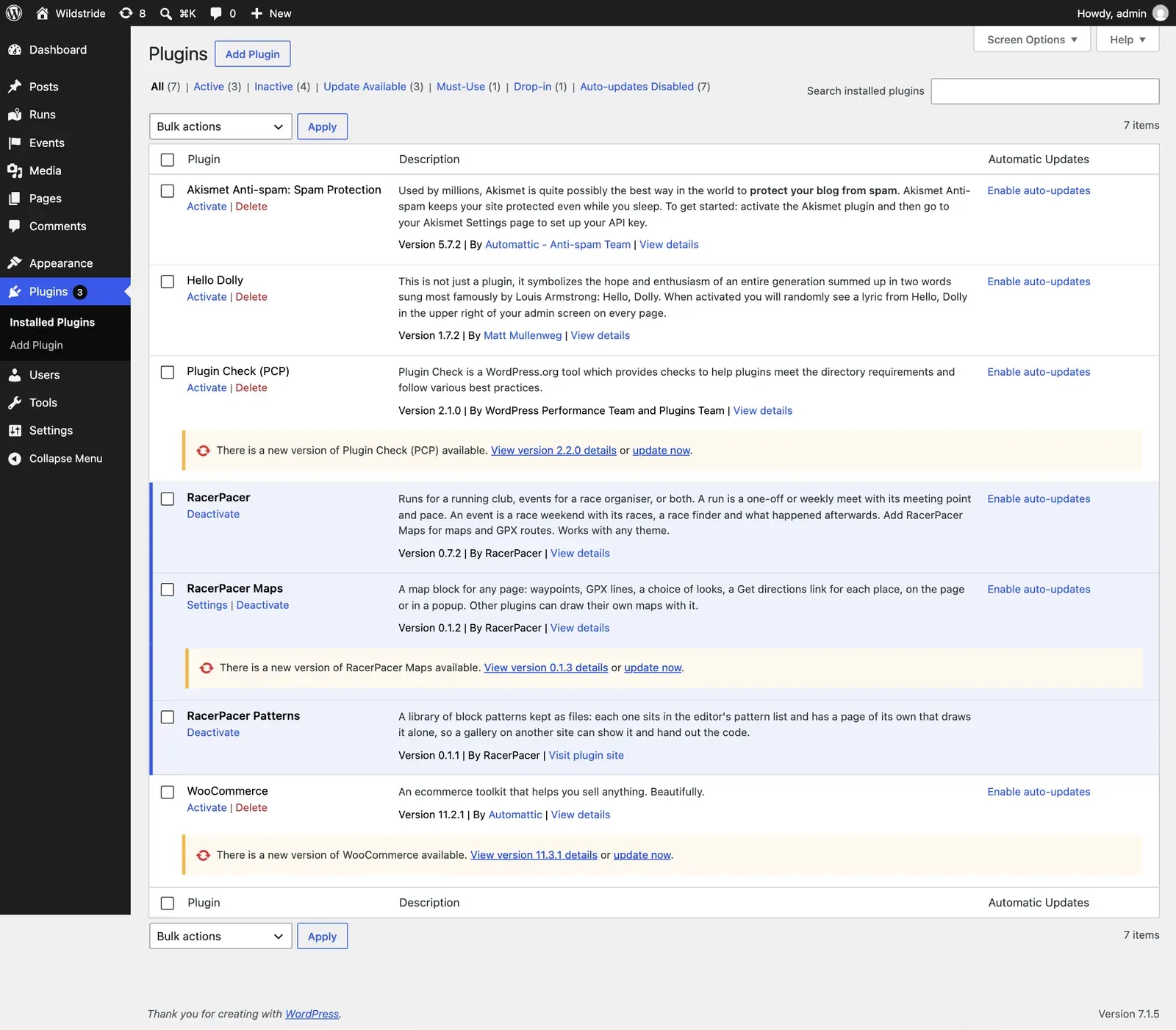
When the RacerPacer plugin is activated it creates a Runs page holding the run schedule.
3. Say what the site is for
Section titled “3. Say what the site is for”Go to Runs → Settings. At the top, under What this site is for, tick Club runs, Events or both, and press Save Changes at the bottom.

- Tick Club runs for a club, a run crew or a parkrun-style group.
- Tick Events for a race organiser.
- Tick both for a club that puts on a race, or an organiser with a home club.
The menus follow what you tick. With only Events ticked, Settings moves under the Events menu.
4. Fill in the club and the look
Section titled “4. Fill in the club and the look”On the same screen, add your name, tagline, links and social accounts, and pick a look. Every setting is explained in Club and settings and The look.
5. The theme (optional)
Section titled “5. The theme (optional)”If you want the whole site to match without styling anything yourself:
- Appearance → Themes → Add New → Upload Theme, choose
racerpacer-runs-blocks.zip, Install Now, then Activate. - Appearance → Editor → Navigation: choose the pages for the menu. Until you do, the header lists your pages.
The theme’s home page shows your club card, your next runs, your upcoming events, or all three, depending on what you ticked in step 3. More in The RacerPacer theme.
If you’d rather keep your own theme, skip this. The blocks bring their own look and have been tried in Twenty Twenty-Five, Ollie, Astra, Kadence, GeneratePress, OceanWP and Neve. See Using your own theme.
- To learn the kit before adding your own, load the demo content.
- To go straight to your own runs or races, follow the quick start.