Run blocks
These need Club runs switched on in the settings, except the Location map, which works for events too. All of them are shortcodes as well.
Run schedule
Section titled “Run schedule”The club’s next runs, soonest first. Weekly runs are worked out up to the Look ahead in the settings; a run marked off on This week stays on, marked off.


Settings: Layout (Cards or Table) and How many runs to show.
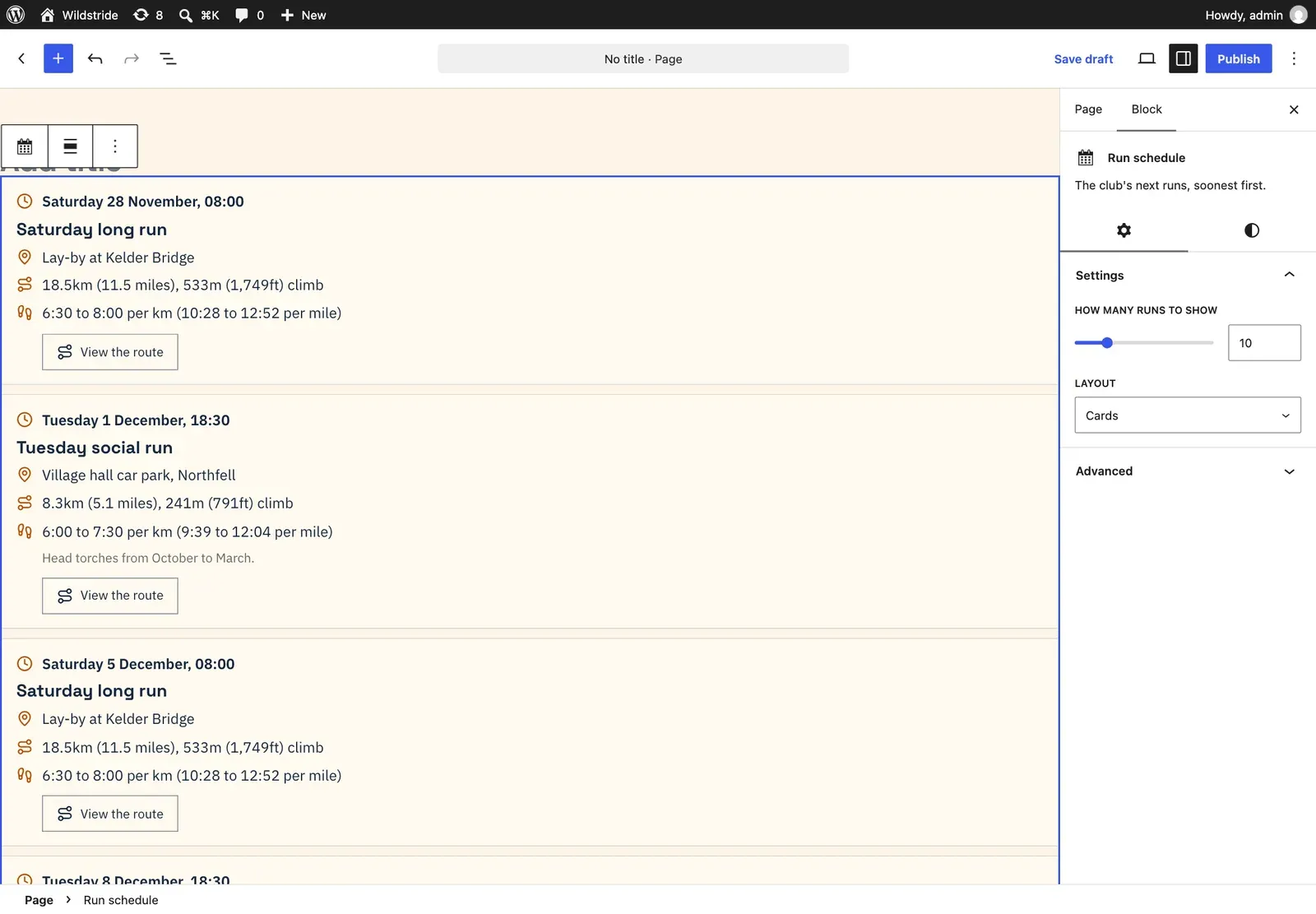
[rpkit_schedule][rpkit_schedule layout="table" count="20"]Next run
Section titled “Next run”The one run coming up soonest, for the top of the home page.

No settings. Shortcode: [rpkit_next_run].

Club card
Section titled “Club card”The club’s logo, name, tagline, place, social links and link buttons, from the settings. The join link is the highlighted button.

Settings: Show the “about” text, and the Club name as a heading, as the page title (h1), or left out.


[rpkit_club][rpkit_club about="no" heading="h1"]Route library
Section titled “Route library”Every route on the club’s runs: distance, climb, profile, map and GPX. Needs Route Maps. More in Route library.
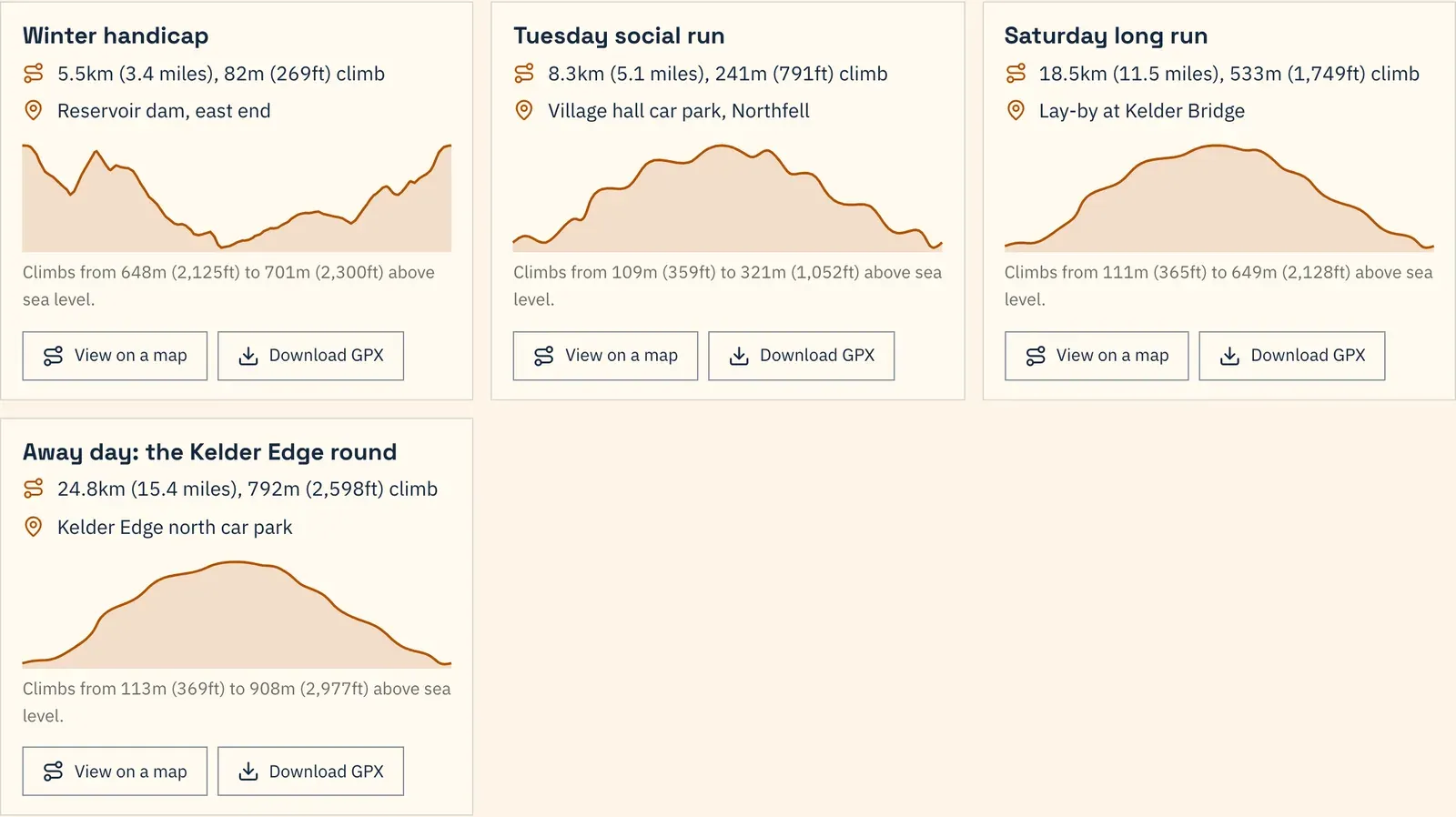
Settings: Order: shortest first, longest first, most climb first, or by name.
[rpkit_routes][rpkit_routes order="climb"]Calendar button
Section titled “Calendar button”A button that adds the club’s runs to a visitor’s own calendar, kept up to date. More in Calendar feed.

Settings: Button words.
[rpkit_calendar][rpkit_calendar label="Add our runs to your calendar"]Location map
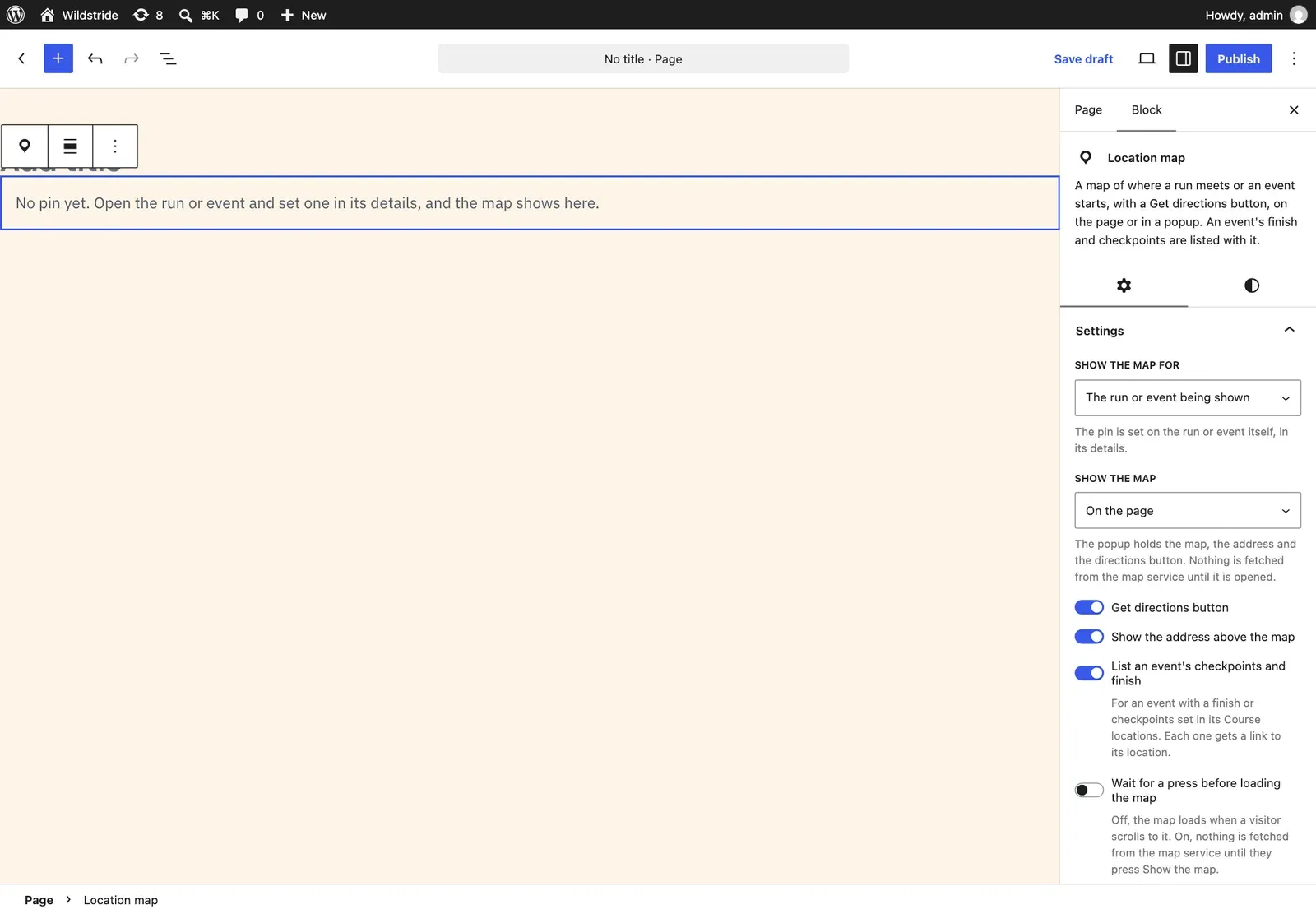
Section titled “Location map”A map of where a run meets, or of an event’s start, checkpoints and finish with its course lines, and a Get directions button. On a run or event page it shows that run or event; elsewhere, pick which one. Needs Route Maps; without it there’s an address and a directions link.


Settings:
| Setting | Shortcode | Default |
|---|---|---|
| Which run or event | id |
The one being shown |
| Show the Get directions button | directions |
yes |
| Show the address | address |
yes |
| Draw an event’s course | course |
yes |
| Wait for a press before loading the map | click |
no |
| On the page, or in a popup behind a View location button | display (inline or popup) |
inline |
| Height in pixels | height |
320 |
| Zoom | zoom |
14 |
[rpkit_map][rpkit_map id="27" display="popup"][rpkit_map click="yes" height="400"]